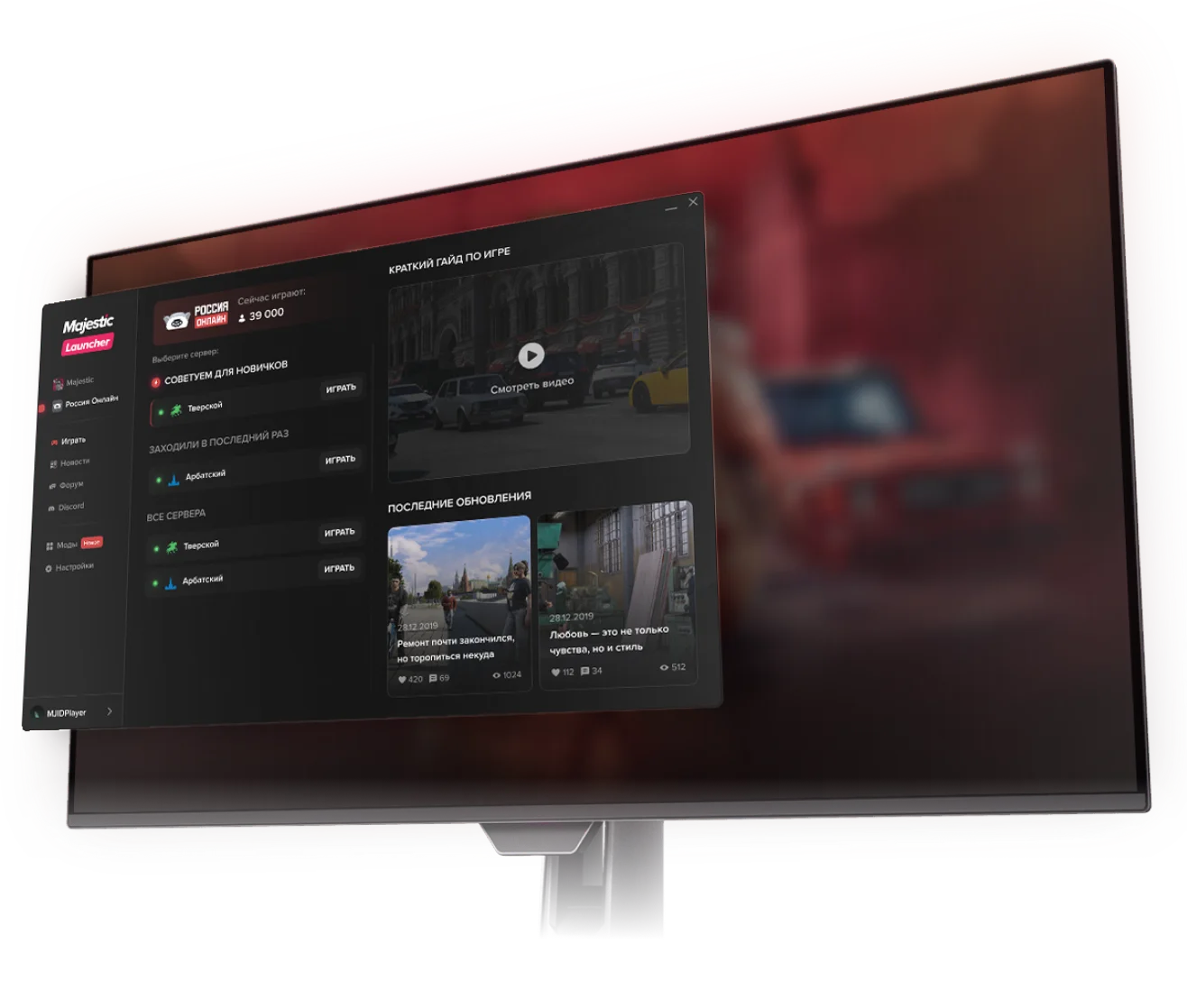
download our launcher
the fastest and easiest way to start playing
- Installs the required files and sets everything up for you
- Updates automatically
- Supports additional features
Just 4 simple steps and you're ready to play! Installation guide Open the downloads menu in your browser and run ROLauncherSetup.exe
 The launcher installs quickly and will offer to download extra files if needed
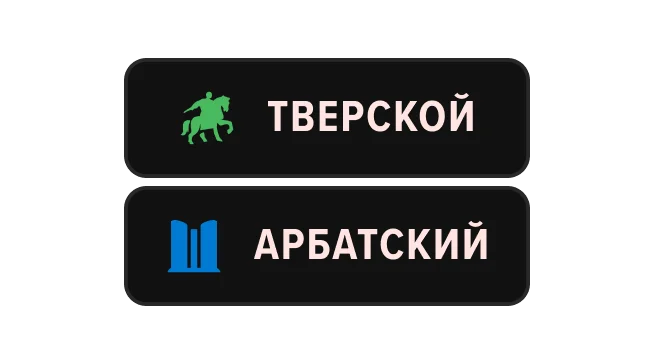 After the setup, choose your server — take a look at the “Recommended for beginners” section
 Register an account — and you're ready to dive into the Russia Online universe!
Step 1Open the file
Step 2Wait for the install
Step 3Choose a server
Step 4start playing